
Jan AI Review: A Local Alternative to ChatGPT
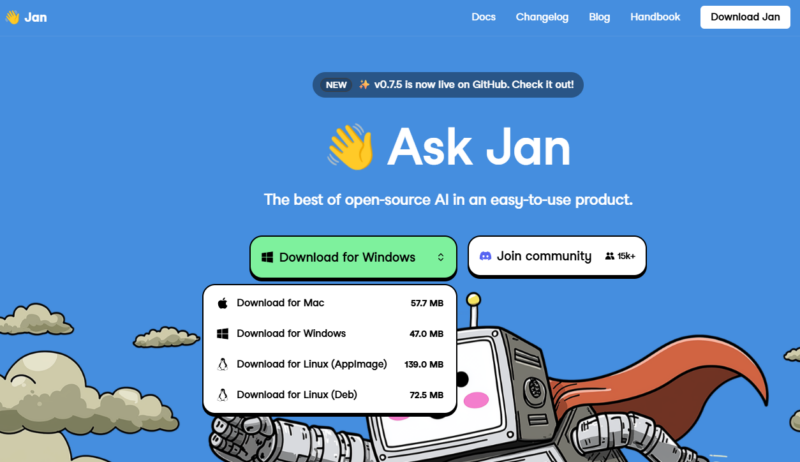
Your personal ChatGPT that works 100% offline.
Jan AI is an Open Source platform that turns your computer into a local artificial intelligence server. The main feature is full compatibility with the OpenAI API, which allows you to use local models in any applications that previously required paid keys from ChatGPT. Unlike cloud services, Jan stores all data and processes on your device.
Why choose Jan AI
- Full privacy: Your prompts and data never leave your computer.
- Model flexibility: Install Llama 3, Mistral, Gemma in one click, or connect to remote APIs (OpenAI, Claude).
- OpenAI-compatibility: The built-in local server allows you to use Jan as a replacement for the paid API in other applications.
- Open Source: It is free and transparent.
Technical requirements: Works on Windows, macOS (including M1/M2/M3 processors) and Linux. For stable operation of local models (inference), the resources of your hardware are critical:
| Component | Minimum requirements | Recommended (for 13B+ models) |
| CPU | 4 cores (with AVX2 support) | 8+ cores |
| RAM | 8 GB | 32 GB and above |
| GPU | Not required | NVIDIA (8GB+ VRAM) / Apple M-series |
| Disk | 20 GB (SSD) | 100 GB+ (for model library) |
Key use cases
- Local RAG (Base Knowledge): Integration with your PDFs, documents, and databases via vector indices (Chroma/FAISS).
- Development and testing: Using a local endpoint
http://localhost:1337to debug code without the cost of cloud provider APIs. - Private assistant: Setting up personal roles (Coder, Analyst, Editor) while saving correspondence history on disk.
Does Jan need internet to work?
Only for downloading models. After that, you can chat with AI completely offline.
Is this a paid program?
No, Jan is completely free and distributed under the Apache 2.0 license.
Can Jan AI be used as a replacement for the paid OpenAI API?
Yes. Jan runs a local server that completely mimics the OpenAI request structure. You can simply change the base_url in your application to the local one, and it will start working with Llama, Mistral, or Gemma models.
What model formats does Jan support?
Jan works with most modern formats, including GGUF (optimal for CPU), TensorRT, and other quantized versions that significantly speed up performance on home hardware.
Do I need to install additional drivers?
For Windows/Linux users, it is recommended to install NVIDIA CUDA drivers or ROCm libraries (for AMD) to utilize the video card. On macOS (M1/M2/M3 processors), everything works out of the box thanks to Metal support.